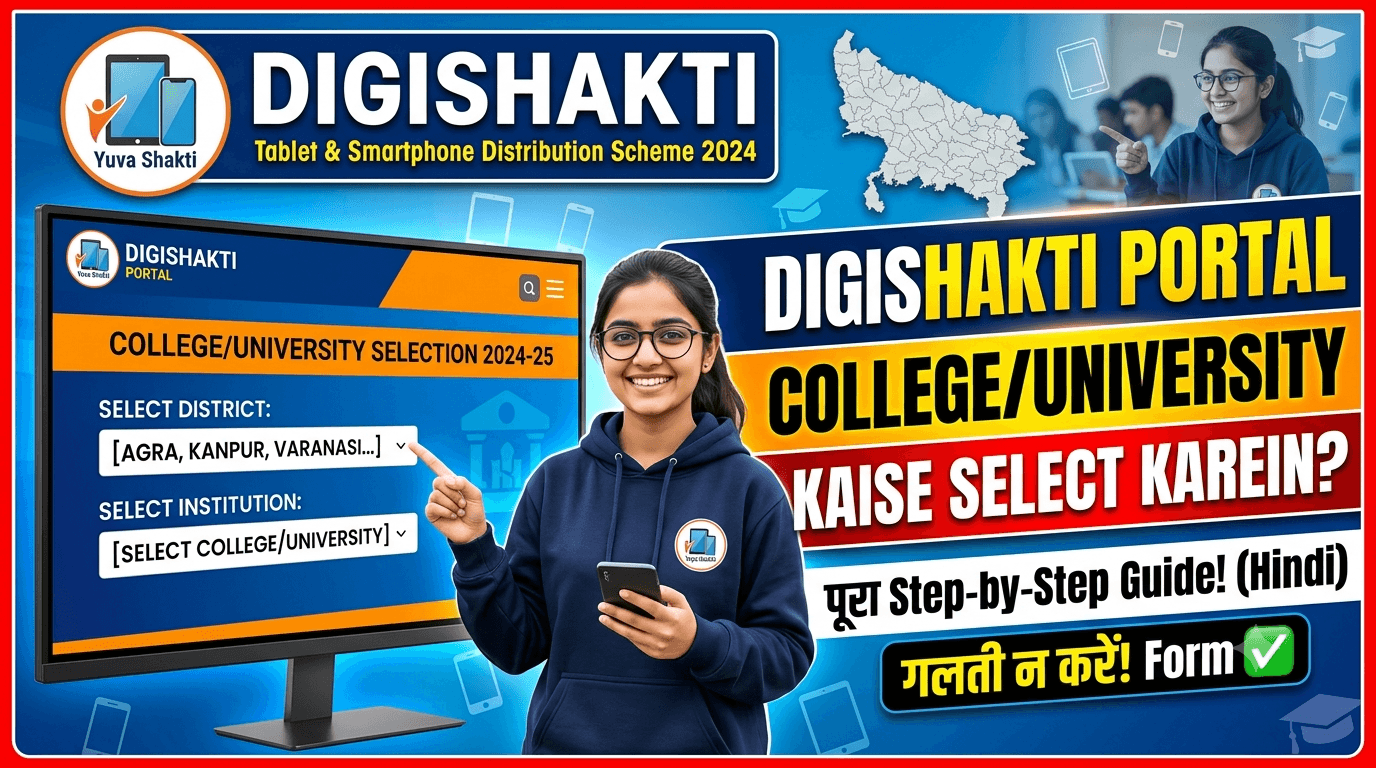
Understanding the DigiShakti Initiative
The Swami Vivekananda Yuva Sashaktikaran Yojana, commonly known as the DigiShakti Scheme, represents the Uttar Pradesh government’s commitment to bridging the digital divide in education. Launched under the leadership of Chief Minister Yogi Adityanath, this program provides free tablets and smartphones to students pursuing higher education across the state.
Core Objective
The core objective is straightforward: enable students to access online classes, digital study materials, and skill development resources without financial barriers. The scheme focuses on students enrolled in recognized institutions including:
- Government Colleges
- State Universities
- Polytechnic Institutes
- Skill Development Centers
- Nursing and Paramedical Colleges
DigiShakti Portal Not Working? (Fix Site Opening Issues)
Critical Program Details
Scheme Highlights
| Aspect | Detail |
|---|---|
| Official Name | Swami Vivekananda Yuva Sashaktikaran Yojana |
| Commonly Known As | DigiShakti Scheme / Mission DigiShakti |
| Launched By | Government of Uttar Pradesh |
| Implementing Agency | UPDESCO (IT & Electronics Department) |
| Official Portal | digishakti.up.gov.in |
| Benefit Provided | Free Tablet OR Smartphone |
| Target Beneficiaries | Students enrolled in recognized institutions |
| Eligible Courses | Graduation, Post-graduation, Diploma, ITI, Polytechnic, Nursing, Paramedical, Skill Development |
| Device Target | 68+ lakh students |
| Scheme Status | Active (2025-26) |
Key Features of the Program
The DigiShakti initiative distinguishes itself from traditional scholarship programs through its focus on technology access:
- Preloaded Resources: Devices are preloaded with educational and career-related content.
- Real-time Updates: Students receive flash messages with information about classes, syllabus, and academic updates.
- Scheme Awareness: The program actively promotes awareness about various developmental programs and government schemes.
For more information and complete details on the program, you can visit the official scheme page here: DigiShakti Free Tablet Yojana
Eligibility Criteria: Who Can Receive a Device?
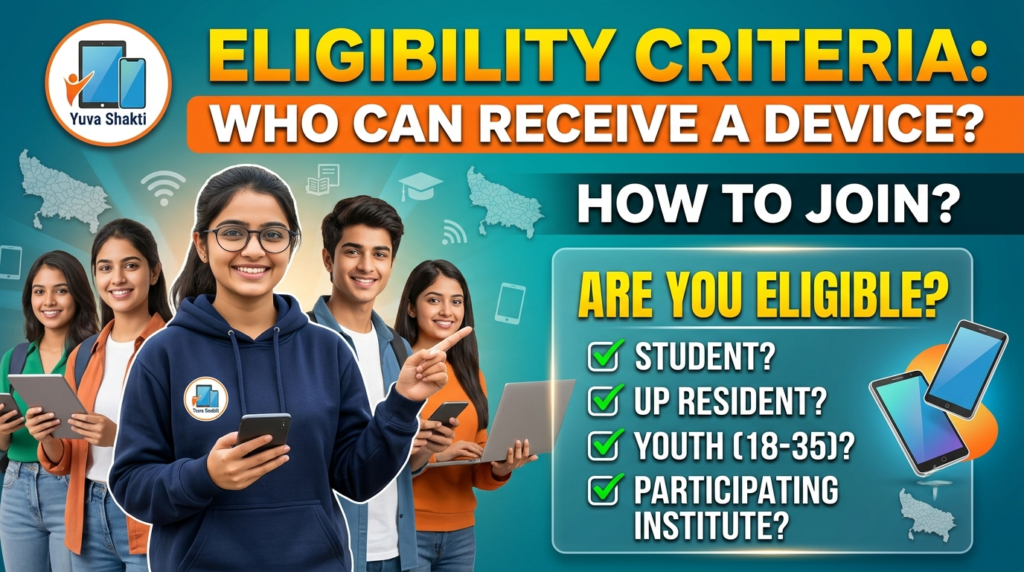
The government has defined clear eligibility parameters to ensure benefits reach the right students:
Mandatory Requirements
- Permanent residency: The applicant must be a permanent resident of Uttar Pradesh
- Enrollment status: Currently studying in a recognized institution within the state
- Course type: Enrolled in graduation (UG), post-graduation (PG), diploma, technical, medical/nursing, ITI, polytechnic, or skill development programs
- Income limit: The annual family income must be less than ₹2 lakh
- Institution type: Studying in either government or private colleges recognized by the state
Who Is Not Eligible?
- Students outside Uttar Pradesh
- Students not enrolled in eligible courses
- Students whose family income exceeds ₹2 lakh
- Students who have already received a device under this scheme (one-time benefit)
Important Note:
The eligibility process is largely handled through institutions, which means students cannot bypass their college to apply independently.
Required Documents: What You Need Ready
The document requirements are minimal but essential for successful verification:
- ✅ Aadhaar Card (with mobile number linked to Aadhaar)
- ✅ Valid College ID Card
- ✅ Enrollment Number (obtained from your institution)
- ✅ Passport-size photographs
- ✅ Active mobile number for OTP verification
The most crucial item is your enrollment number—you cannot proceed without this, as it serves as the primary identifier for matching your college records with your verification.
Understanding the Process: How the DigiShakti System Works
The DigiShakti process operates differently from traditional application-based schemes. Students do not need to submit applications directly. Here is how the entire system functions:
- The Student Data Upload Process:Colleges and universities are authorized to collect eligible student data and upload it directly to the DigiShakti portal. This data includes essential information such as student names, Aadhaar details, enrollment numbers, course information, year/semester details, and registered mobile numbers to ensure seamless processing and distribution of digital resources.
- Verification: Authorities verify the submitted data to confirm enrollment status and eligibility.
- e-KYC Requirement: Once data is uploaded and verified, students must complete Aadhaar-based e-KYC (electronic Know Your Customer) verification on the portal.
- Device Allocation: Following successful verification and e-KYC, eligible students are shortlisted for device allocation.
- Distribution: Devices are distributed at institution-organized events, with students informed through SMS and official college notices.
Monthly Processing Schedule
Colleges follow a structured monthly schedule for data upload and verification:
| Activity | Dates (Monthly) |
|---|---|
| College Data Upload | 1-5 and 16-20 |
| College Verification | 6-8 and 21-23 |
| University/Board/Society Verification | 9-11 and 24-26 |
| Department Lock | 12-14 and 27-29 |
This schedule helps students understand why their status might remain pending at certain times during the month.
Step-by-Step Guide: Completing Your e-KYC and Selecting Your College
The process is designed to be straightforward, but students should follow these steps carefully. The “college selection” process happens automatically through the enrollment number verification step, as explained below.
Step 1: Obtain Your Enrollment Number
Before anything else, get your enrollment number from your college administration. This number is typically:
- In your admission documents
- Available through your college records
- Accessible by requesting directly from your institution’s nodal officer
Without this number, you cannot proceed. It is your primary key for portal access.
Step 2: Visit the Official Portal
Navigate to the official DigiShakti portal: digishakti.up.gov.in
Step 3: Access e-KYC Through Meri Pehchaan
On the homepage, click the button labeled “e-KYC through Meri Pehchaan Portal”.
Step 4: Enter Your Institution Details
You will be presented with a form where you need to:
- Select your Board/University
- Select your Institute/College name
- Enter your Enrollment Number
- Enter the displayed captcha code
The system uses your enrollment number to automatically link to the college data already uploaded by your institution.
Step 5: Check Your Status
After clicking search, your current status will display. Possible statuses include:
- Verified: Your e-KYC is complete—you are eligible for device distribution
- Pending: You need to complete e-KYC through the verification link
- Failed: Your details mismatch the Aadhaar information. Contact your college nodal officer to correct mismatched details
- Data is Under Verification: Department verification is in progress—wait 2-3 days and try again
Step 6: Complete e-KYC
If your status shows “Pending,” proceed with verification:
- Click the “Verify through Login Using e-Pramaan Meri Pehchaan” link
- Sign up as a new user:
- Enter your mobile number
- Receive and enter OTP
- Provide required details
- Accept terms and conditions
- Enter your Aadhaar number
- Choose OTP delivery method (mobile/email)
- Agree to terms, fill captcha, and submit
Step 7: Confirm Status
Return to the main portal, search again using your enrollment number, and verify your Aadhaar e-KYC status shows “Verified” with date and time stamp.
Important: Students are personally responsible for completing e-KYC. Official notices from institutions like CSJM University emphasize that students who do not complete e-KYC will not receive devices.
Device Distribution: How and When You Receive Your Device
After successful e-KYC, the device distribution process follows a structured path:
Notification
Students receive notifications through:
- SMS alerts on registered mobile numbers
- College notice boards
- Official student groups and portals
- Classroom announcements
Collection Procedure
When it is your turn, you will be called to collect your device from your college or institution. You may need to carry:
- Aadhaar card
- College ID card
- Enrollment proof
- Passport-size photographs
Recent Distribution Events
The scheme is actively distributing devices across the state. For example:
- Metro College of Health Sciences and Research organized tablet distribution under the scheme in November 2024, with MLA Tejpal Singh Nagar as Chief Guest
- Lucknow University scheduled tablet distribution for postgraduate students and various other batches in 2025
Device Specifications: What You Can Expect
The devices distributed under DigiShakti come with educational content preloaded and are designed to support academic needs. While specifications vary across batches and manufacturers, typical features include:
- Android-based operating system
- Preloaded educational and career-related content
- Designed for academic use and skill development
Devices are sourced through UPDESCO procurement, with different models distributed based on batch availability.
Common Problems: What Students Face and How to Resolve Them
1. Name Missing from Beneficiary List
Possible Causes:
- College hasn’t uploaded data yet
- Enrollment number incorrect or missing
- Details mismatch between portal and Aadhaar
Solution: First, check with your college nodal officer to confirm your data has been uploaded. If your enrollment number isn’t available, get it from your institution directly.
2. e-KYC Failure (Status Shows “Failed”)
Cause: Portal details (name, gender, date of birth) do not match Aadhaar information.
Solution: Contact your institution’s nodal officer to edit mismatched details on the DigiShakti portal or make necessary amendments in your Aadhaar card.
3. OTP Not Received
Cause: Mobile number not linked to Aadhaar, or number inactive.
Solution: Ensure your mobile number is:
- Active and receiving SMS
- Linked to your Aadhaar card
- Updated in college records
4. No Update After e-KYC
Cause: Department verification pending.
Solution: This is normal. The monthly schedule shows department verification occurs on specific dates (12-14 and 27-29 each month). Wait 2-3 days and check again.
5. “Your Data Verification is Under Process” Message
Cause: Department Lock pending.
Solution: Do not panic. This is a temporary status. Check back after a few days.
Avoiding Scams: Fraud Awareness
Several fake websites and agents attempt to exploit students’ desire to get devices. Be aware of these common fraud patterns:
Warning Signs
- Sites charging “registration fees”
- Individuals claiming they can “guarantee” a device for a fee
- Apps not linked to the official portal
- SMS or WhatsApp messages asking for OTP or money
Safe Practices
- Only use the official portal:
digishakti.up.gov.in - Never pay anyone—the scheme is completely free
- Do not share your OTP with anyone
- Treat any “agent” claiming to expedite the process as suspicious
The official process involves no charges whatsoever. If someone asks for money, it is a scam.
Official Helpline and Contact Information
Primary Contact
First point of contact: College Nodal Officer (institution-level support)
Escalation Path
College Nodal Officer → University/Institution Administration → District Nodal Officer → Department of Higher Education
Official Portal
Implementing Agency
UPDESCO (IT & Electronics Department)
Uttar Pradesh Development Systems Corporation Ltd.
Managing Director: Neha Jain
Note: Students should first contact their college nodal officer for all issues related to data upload, status verification, and distribution.
Frequently Asked Questions (FAQs)
1. Can I register directly on the DigiShakti Portal?
No. Students cannot apply directly. Colleges and universities upload eligible student data to the portal. Your role is to ensure your records are correct with your institution and complete e-KYC.
2. How do I know if my college is eligible for DigiShakti?
If your college or institution is recognized by the Uttar Pradesh government and offers eligible courses (UG, PG, diploma, ITI, nursing, skill development), it should be covered. Check with your college administration if uncertain.
3. What is the income limit for DigiShakti?
Your family’s annual income must be less than ₹2 lakh to qualify.
4. What if my name appears on the portal but I haven’t received a device?
Wait for college notifications and SMS alerts. Distribution happens in phases based on government allocation and institution schedules. Contact your college nodal officer for timing details.
5. Is DigiShakti available outside Uttar Pradesh?
No. The scheme is exclusively for students studying in recognized institutions within Uttar Pradesh. Other states have their own digital empowerment programs.
6. How do I check my e-KYC status?
Visitdigishakti.up.gov.in, click the e-KYC through Meri Pehchaan link, select your board and college, enter your enrollment number, and search.
7. What documents do I need for device collection?
You should carry your Aadhaar card, college ID, enrollment proof, and passport-size photographs when called for collection.
8. What should I do if I get a “Failed” verification status?
Contact your college nodal officer immediately. This typically indicates mismatched details between portal records and Aadhaar information.
9. Can private college students benefit from DigiShakti?
Yes. Students from both government and private colleges that are recognized by the state are eligible, provided they meet other criteria.
10. When will the next distribution batch happen?
Distribution schedules vary by institution. College notices and SMS alerts will inform you of the specific dates.
11. What if my college hasn’t uploaded my data yet?
Contact your college administration to confirm whether your details have been uploaded. If not, request them to do so according to the monthly schedule (dates: 1-5 and 16-20).
12. What happens if I complete e-KYC late?
You might miss the current distribution phase. Official notices stress that students who do not complete e-KYC in time will not receive devices. Complete the process as soon as your data is uploaded to avoid missing out.
Conclusion
The DigiShakti scheme is a game-changing initiative for Uttar Pradesh students, addressing the digital divide that has long hindered access to modern education. With 46.75+ lakh devices already distributed and a target of 68+ lakh, the program continues to expand.
Key takeaways:
- Students do not apply directly—colleges handle data upload
- e-KYC is mandatory and your personal responsibility
- Only the official portal (
digishakti.up.gov.in) should be used - The process is entirely free—be wary of scams
- Stay in contact with your college nodal officer for status updates
If you are a student in Uttar Pradesh and meet the eligibility criteria, ensure your college has uploaded your data, complete your e-KYC promptly, and stay connected with your institution’s administration. The device you receive is not just a gadget—it is an empowerment tool designed to help you access online education, learn new skills, and build a better future.