Scheme at a Glance
| Feature | Details |
|---|---|
| Scheme Name | Swami Vivekananda Yuva Sashaktikaran Yojana (Mission DigiShakti) |
| Launch Year | 2021-22 |
| State | Uttar Pradesh |
| Department | UPDESCO (IT & Electronics Department, UP) |
| Official Portal | digishakti.up.gov.in |
| Benefit | Free Tablet OR Smartphone |
| Target Beneficiaries | UG, PG, Diploma, ITI, Nursing, Paramedical, Skill Development students |
DigiShakti Free Tablet Yojana: Eligibility & Apply
Latest Update [June 2026]
- eKYC MANDATORY: UP government ne ab DigiShakti tablet/smartphone paane ke liye Aadhaar eKYC compulsory kar diya hai. Agar aapne eKYC nahi kiya, toh device nahi milega!
- 60 Lakh+ Devices Distributed: UP sarkar ne ab tak 1 crore se zyada students ko free tablet aur smartphone diye hain.
- Budget 2026-27: ₹2,374 crore allocated for DigiShakti scheme.
- New Colleges Added: 2026 mein 50+ naye private colleges ko scheme mein include kiya gaya hai.
1. Introduction — DigiShakti Yojana Kya Hai?
Doston, DigiShakti Yojana — jise officially Swami Vivekananda Yuva Sashaktikaran Yojana (SVYSY) ke naam se jaana jaata hai — Uttar Pradesh government ka ek flagship scheme hai.
Iska aim hai UP ke students ko free smartphone ya tablet dena taaki wo online padhai kar sakein, digital skills seekh sakein aur aage chalkar employable ban sakein.
Yeh scheme 2021-22 mein launch hui thi. Abhi 2026 mein bhi yeh scheme fully active hai aur government naye batches ke liye devices distribute kar rahi hai. UP Cabinet ne haal hi mein 25 lakh naye tablets approve kiye hain.
Sabse important baat: Students ko portal par direct registration nahi karni hoti. Aapka college ya university aapka data DigiShakti portal par upload karta hai. Uske baad aapko jaakar apna eKYC (Aadhaar verification) complete karna hota hai.
UP Higher Education Department ke anusar, is scheme ka main objective hai ki har student ke paas digital device ho taaki wo online classes attend kar sakein, government ke digital initiatives ka fayda utha sakein, aur apni skills ko upgrade kar sakein.
Is guide mein hum step-by-step samjhenge ki DigiShakti portal par student login kaise karein, eKYC kaise complete karein, status kaise check karein, aur agar koi problem aaye toh uska solution kya hai.
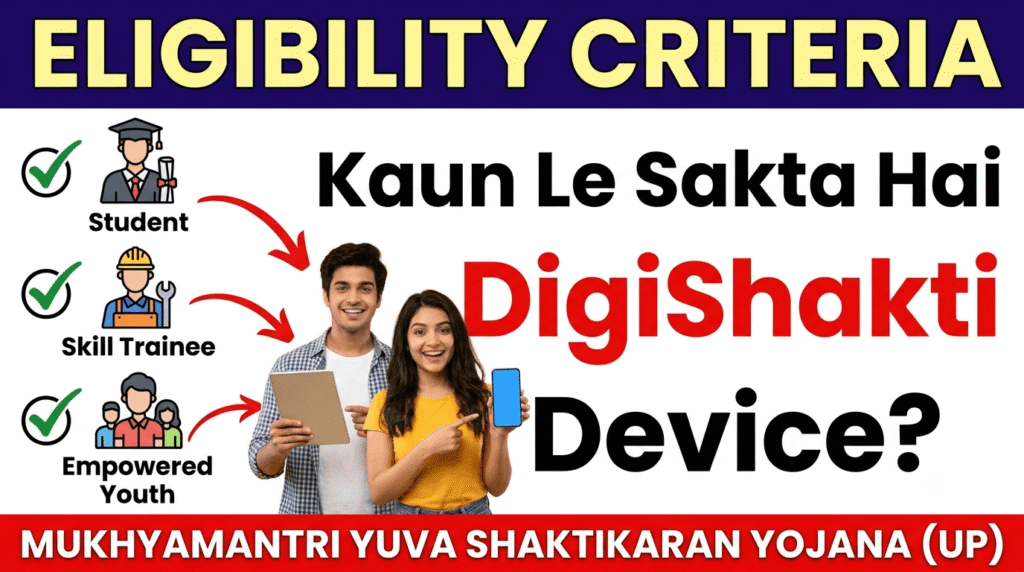
2. Eligibility Criteria — Kaun Le Sakta Hai DigiShakti Device?
✅ Eligible Candidates
- Residency: UP ka permanent resident hona chahiye.
- Course: Aapko kisi recognized college/university mein graduation, post-graduation, diploma, polytechnic, ITI, nursing, paramedical ya skill development course mein enrolled hona chahiye.
- Income: Family ki annual income ₹2 lakh se kam honi chahiye.
- Academic: Koi active backlog nahi hona chahiye.
❌ Who is NOT Eligible?
- Jo UP ke resident nahi hain.
- Jinki family income ₹2 lakh se zyada hai.
- Jo recognized ya private unaided courses mein hain jo government-approved nahi hain.
- Jo pehle already DigiShakti device le chuke hain (one-time benefit).
- Jinke active backlogs hain.
- Jo college/university ke data upload nahi kiya hai.
Socho agar tum eligible ho toh aage padho — warna pehle apne college se confirm karo ki tumhara data upload hua hai ya nahi!
3. Required Documents — Zaroori Dastavej
DigiShakti eKYC ke liye ye documents chahiye:
| Document | Kya Kaam Aayega? |
|---|---|
| Aadhaar Card | eKYC ke liye sabse zaroori. Mobile number Aadhaar se linked hona chahiye OTP ke liye. |
| College ID | Proof ki aap us college mein padhte ho. |
| Enrollment Number | Ye number college se lena hoga. Iske bina portal par kuch nahi ho sakta. |
| Bank Details | Kuch colleges ke liye required ho sakta hai. |
| Passport Photo | Device collection ke time identity verification ke liye. |
Tip:
Saare documents ki clear photo apne phone mein save rakhlo.
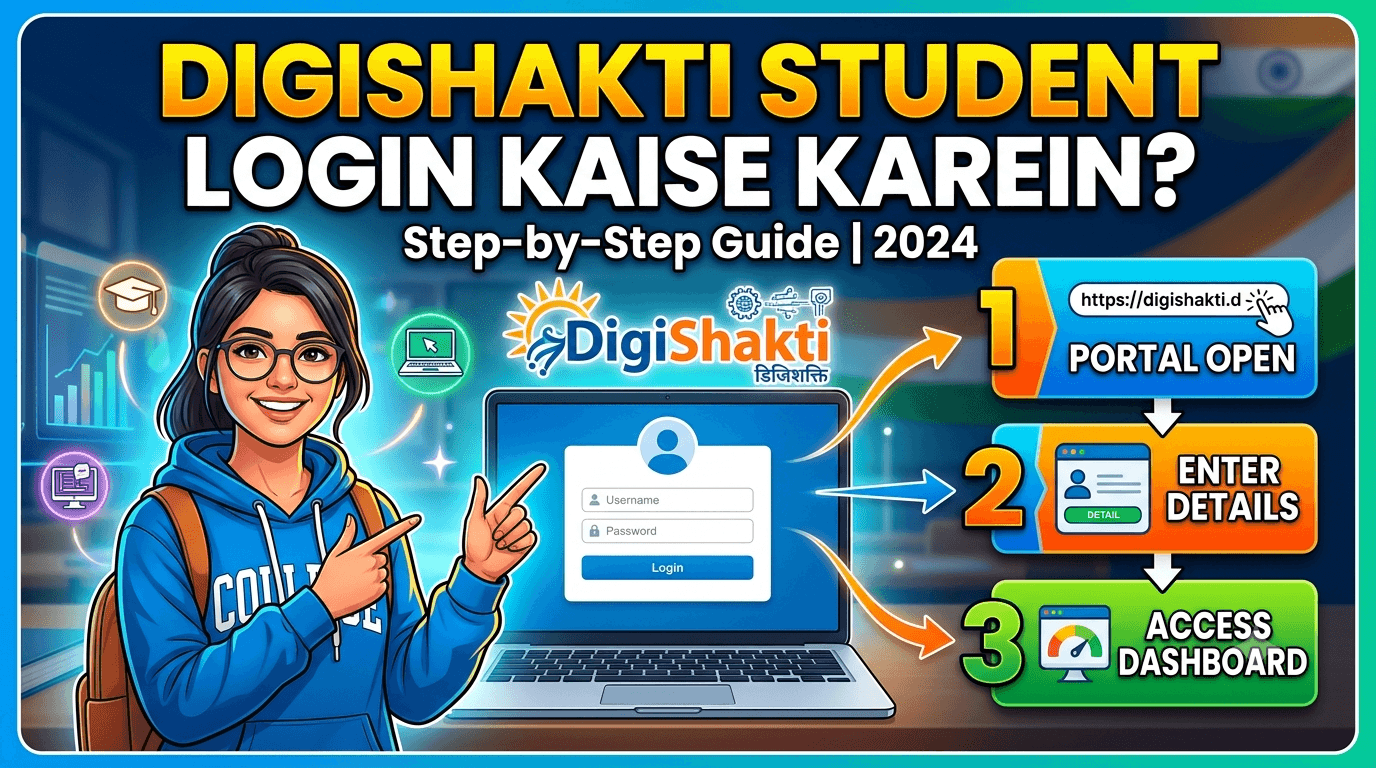
4. DigiShakti Portal Registration / Login Process — Step by Step
IMPORTANT:
DigiShakti portal par students ka direct registration nahi hota. College data upload karta hai. Aapko bas eKYC complete karna hai.
Step-by-Step Guide:
Step 1:
Apne college se Enrollment Number le lo. Ye number college ke admission records mein mil jaayega.
Step 2:
Official portal digishakti.up.gov.inpar jaao.
Step 3:
Portal par “e-KYC through MeriPehchaan Portal” button par click karo.
Step 4:
Ab apna University/Board, College/Institute select karo, Enrollment Number daalo, aur captcha code bharo.
Step 5:
“Search” button click karo. Agar aapka data portal par hai toh aapka naam aur details dikhenge.
Step 6:
Agar Aadhaar e-KYC Status “Pending” dikhe toh “Verify through Login Using e-Pramaan MeriPehchaan” button par click karo.
Step 7:
Agar pehle se MeriPehchaan account hai toh sign-in karo. Naya user ho toh “New user? Signup for MeriPehchaan” par click karo.
Step 8:
Mobile number daalo, OTP generate karo aur verify karo. Terms & Conditions accept karo aur Sign-Up karo.
Step 9:
Ab Aadhaar number daalo, OTP receive karne ka option choose karo (mobile/email), OTP daalo aur “Verify through e-KYC” click karo.
Step 10:
Successful verification ke baad status “Verified” ho jaayega.
Mobile Se Kaise Karein?
Portal mobile-friendly hai. Phone browser se upar diye gaye steps follow karo. Bas dhyan rakhna ki mobile number Aadhaar se linked ho.
Real Student Example — Varanasi:
Example: Varanasi ke Banaras Hindu University (BHU) mein B.Sc. first year mein padhne wale Rahul ne apna enrollment number college se liya aur
par eKYC complete ki. Unka status 2 din mein “Verified” ho gaya aur 15 din baad unhe SMS aaya ki wo distribution list mein hain. Rahul ko January 2026 mein unke college se tablet mil gayi kyunki unka naam first batch ki list mein tha.digishakti.up.gov.in
5. Device Distribution Process — Tablet / Smartphone Kaise Milega?
eKYC complete karne ke baad kya hoga? Samjhte hain:
Step-by-Step Distribution Process:
- eKYC Verification: Aapka Aadhaar verify ho jaata hai. Status “Verified” ho jaata hai.
- Institute Forwarding: Aapka college/University verified data ko District Nodal Officer ko forward karta hai.
- Selection: District level par beneficiary selection hoti hai.
- SMS Notification: Device milne par aapko SMS ya college notice ke through inform kiya jaayega.
- Device Collection: Apne college jaakar original documents (Aadhaar, College ID) dikhaake device collect karo. Kuch colleges mein acknowledgment form bhi bharwate hain.
Dhyan Rakhein:
- Distribution phases mein hoti hai. Agar friend ko pehle mil gaya toh ghabrana nahi.
- College ke nodal officer se regularly contact karte rahein.
- Device milne ke baad IMEI number verify kar lena.
6. Beneficiary List / Status Check
Apna Status Kaise Check Karein?
Step 1:
digishakti.up.gov.in
Step 2:
“e-KYC through MeriPehchaan Portal” click karo.
Step 3:
University/Board, College, Enrollment Number daalo aur “Search” click karo.
In-depth Status Analysis:
| Status | Meaning | Aapko Kya Karna Hai? |
|---|---|---|
| Data Not Found | College ne abhi data upload nahi kiya hai. | College nodal officer se contact karo — unhe portal par data upload karna hai. |
| Pending | Data upload ho gaya hai. Ya toh eKYC baki hai, ya “Department Lock” ka wait hai. | Agar “Your data verification is Under Process” message aa raha hai toh wait karo. 2-3 din baad try karo. Agar eKYC pending hai toh aage ke steps follow karo. |
| Verified | eKYC complete! Data institute level par visible hai. | College ab data ko District Nodal Officer ko forward karega. Phir selection process start hogi. |
| Failed | Aadhaar details mismatch. | College nodal officer se contact karo — wo mismatched details edit karenge. Correction ke baad dobara authentication process hoga. |
Important: Agar “Verified” hai toh aap automatically device ke liye consider ho jaate ho. SMS ya college notice ka wait karo!
Real Student Example — Lucknow:
Example: Lucknow ke University of Lucknow mein MBA kar rahi Priya ne November 2024 mein eKYC complete ki thi. Unka status 3 hafte tak “Pending” dikha kyunki department-level verification chal rahi thi. Priya ne apne college nodal officer ko call kiya toh unhe bataya gaya ki “Department Lock” process chal raha hai. 4th week mein unka status “Verified” ho gaya aur December 2025 mein unhe tablet mil gayi.
7. University / College List
Kaun Se Colleges Eligible Hain?
DigiShakti scheme mein UP ke almost saare recognized colleges aur universities shamil hain.
Type of Institutions:
- Government Colleges & Universities
- Private Colleges (recognized)
- Polytechnic & ITI Institutes
- Nursing & Paramedical Colleges
- Skill Development Centers
Real University/College Examples Jo DigiShakti Par Active Hain:
| College/University | Status/Update | Date |
|---|---|---|
| Banaras Hindu University, Varanasi | First batch distribution complete | Jan 2026 |
| University of Lucknow | 2,100+ tablets distributed | Nov 2024 |
| University of Lucknow | Postgraduate tablet distribution | Oct 2025 |
| Ewing Christian College, Prayagraj | KYC notice issued | Oct 2024 |
| Rama University, Kanpur | 2,500 tablets distributed | Sep 2025 |
| United Institute of Management, Prayagraj | 500 tablets distributed | 2025 |
| CSJM University, Kanpur | KYC notification active | 2025-26 |
Apna College Kaise Check Karein?
- Portal Search: Portal ke search page ke drop-down menu mein saare participating institutions ki list hai. Apna college dhoondho aur dekho.
- College Website: Apne college ki official website check karo — notices section mein “DigiShakti” search karo.
- Direct Inquiry: College administration se pucho ki kya wo DigiShakti scheme mein shamil hain.
Real Student Example — Prayagraj:
Example: Prayagraj ke Ewing Christian College mein B.Com. second year ki student Anjali ne October 2024 mein college ki official notice dekhi ki DigiShakti eKYC mandatory hai. Unhone turant portal par apna enrollment number daal kar status check kiya aur eKYC complete ki. Anjali ko February 2025 mein unke college se smartphone mil gaya.
8. Common Problems & Solutions — Real Student Issues
Problem 1: “Data Not Found” / Portal Par Naam Nahi Aa Raha
Kyun Hota Hai? Ya toh college ne data upload nahi kiya, ya enrollment number galat hai.
Solution: College nodal officer se turant contact karo. Unhe par student data upload karna hota hai. Jab tak data upload nahi hoga, portal par kuch nahi dikhega.digishakti.up.gov.in
Problem 2: OTP Nahi Aa Raha
Kyun Hota Hai? Mobile number Aadhaar se linked nahi hai, ya network issue hai.
Solution:
- Apni Aadhaar details mein mobile number link hai ya nahi check karo
- Spam folder dekh lo
- 5 minute wait karo aur try karo
- Agar baar baar fail ho toh college nodal officer ko batao — wo UPDESCO ko escalate kar sakte hain
Problem 3: Status “Failed” Dikha Raha Hai
Kyun Hota Hai? College ne jo details upload ki hain (Name, Gender, DOB), wo Aadhaar se match nahi kar rahi.
Solution: College nodal officer se contact karo. Wo portal par details edit karenge. Correction ke baad authentication process dobara hoga.
Problem 4: “Kya Mujhe Device Milega?” — Anxiety
Real Answer: Agar aap eligible ho, eKYC complete hai, aur college data forward kar chuka hai — toh selection process ka wait karo. Distribution phases mein hoti hai. University of Lucknow mein 2,100 students ko ek hi phase mein tablets mile.
Pro Tip: Apne college ki official website check karte raho. Lucknow University aur Ewing Christian College jaise institutes apne notices online upload karte hain.
Problem 5: Device Milne Ke Baad Issues (Repair/Replacement)
Kya Karein? Abhi official article mein yeh information limited hai. Apne college ke nodal officer se pata karo ki service center kahan hai. Kuch colleges device ke saath service center list dete hain.
Fraud Warning — Beware of Scams!
Real Portal: Only is official.digishakti.up.gov.in
FAKE Websites: Beware of sites promising “DigiShakti Registration” for money. Koi bhi aapse paise maange toh wo fraud hai.
FAKE Apps: DigiShakti ka koi official mobile app nahi hai.
Middlemen: Koi bhi “device dilwa dunga” kehkar paise maange toh ignore karo. Scheme bilkul free hai.
Helpline Numbers & Grievance
| Resource | Details |
|---|---|
| Official Portal | digishakti.up.gov.in |
| UPDESCO Contact | Not Confirmed Yet |
| Primary Support | Apne college ke Nodal Officer se contact karo |
| Email Grievance | UPDESCO official email (college nodal officer ke through) |
Grievance Process:
- Pehle college nodal officer se contact karo.
- Agar wahan se solve na ho toh UPDESCO office ko email ya call karo.
- RTI file karke bhi information le sakte ho.
Pro Tips From a Senior Who Got the Tablet
“Doston, maine khud DigiShakti tablet liya hai. Meri advice hai — eKYC time pe karo, college nodal officer se regular contact rakho, aur documents ready rakho. Agar koi problem aaye toh ghabrana nahi — sabka number aata hai phases mein.”
Frequently Asked Questions (FAQ)
1. DigiShakti portal par student login kaise karein?
Students ko direct login nahi karna hota. College data upload karta hai. Aapko sirf digishakti.up.gov.in par jaakar eKYC complete karni hai.
2. Kya main DigiShakti portal par khud register kar sakta hoon?
Nahi. Registration sirf college/university ki taraf se hoti hai.
3. Digi Shakti tablet kaise milega?
eKYC complete karo, status “Verified” karo, SMS ya college notice ka wait karo, phir college se collect karo.
4. DigiShakti ke liye kya documents chahiye?
Aadhaar, College ID, Enrollment Number, Bank Details (optional).
5. UP DigiShakti scheme mein kaun apply kar sakta hai?
UP resident, recognized course mein enrolled, family income ₹2 lakh se kam.
6. Kya DigiShakti scheme sirf UP mein hai?
Haan, yeh UP government ki state scheme hai.
7. DigiShakti portal par apna status kaise check karein?
Portal par jaao, college select karo, enrollment number daalo, “Search” click karo.
8. DigiShakti eKYC kya hai?
Aadhaar-based verification jo ab device paane ke liye compulsory hai.
9. Kya private college ke students eligible hain?
Haan, agar college recognized hai toh eligible ho.
10. Agar portal par data nahi dikh raha to kya karein?
College nodal officer se contact karo. Ho sakta hai data upload nahi hua.
11. DigiShakti tablet nahi mili, kahan complain karein?
Pehle apne college ke nodal officer se contact karo. Wo sabse fast solve kar sakte hain. Agar wahan se na ho toh UPDESCO office ko email ya call karo (5222304703).
12. Portal par naam hai lekin college ne tablet nahi diya — kya karein?
College administration se milo aur apna portal status screenshot dikhao. Agar wo help na karein toh District Nodal Officer ko escalate karo. College nodal officer ko is matter mein intervene karna chahiye.
Conclusion — Ab Aapki Baari Hai!
Doston, DigiShakti Yojana UP government ka ek behtareen initiative hai jo students ko digital banane mein madad kar raha hai. 60 lakh+ students pehle hi iska benefit le chuke hain — ab aapki baari hai!
Yaad Rakhiye:
- College se enrollment number lo
digishakti.up.gov.inpar eKYC karo- Status check karte raho
- College nodal officer se contact mein raho
Abhi action lein:
Aaj hi apna enrollment number college se lein aur eKYC complete karein!